
Guided setup without forgotten steps
Set it up once.
Set it up right.
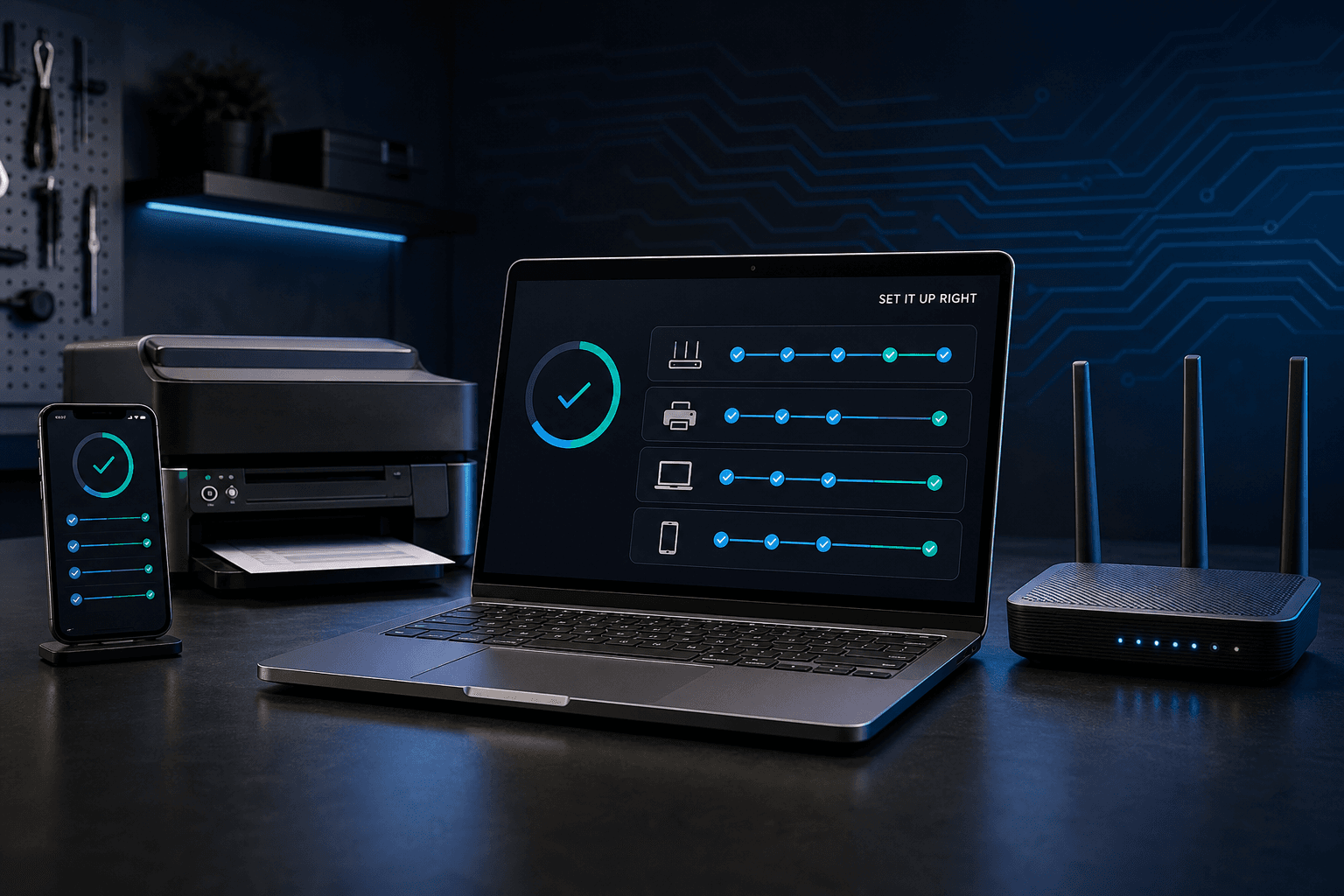
Follow a clear setup path for computers, phones, tablets, printers, and Wi-Fi. Save progress to your Express Tech account, connect the setup to Device Vault, and know what is finished before the device goes into daily use.
01 Prepare02 Protect03 Verify04 Document
WindowsmacOSiPhone + iPadAndroidPrintersWi-Fi
Loading your setup plans...
Built for safe handoffs
Progress is clear before the device is called finished.
The final verification covers restart, sign-in, updates, internet, key apps, backup, and the functions the owner actually needs.
Keep secrets out
Do not store passwords or recovery codes in setup notes.
The companion records tasks and practical context. Passwords, two-factor codes, encryption recovery keys, and account-recovery codes belong in a trusted password manager or another protected location.