
Budget command center
Organize income, expenses, ledgers, budgets, goals, and planning in one desktop workspace.
Software developed by Express Tech

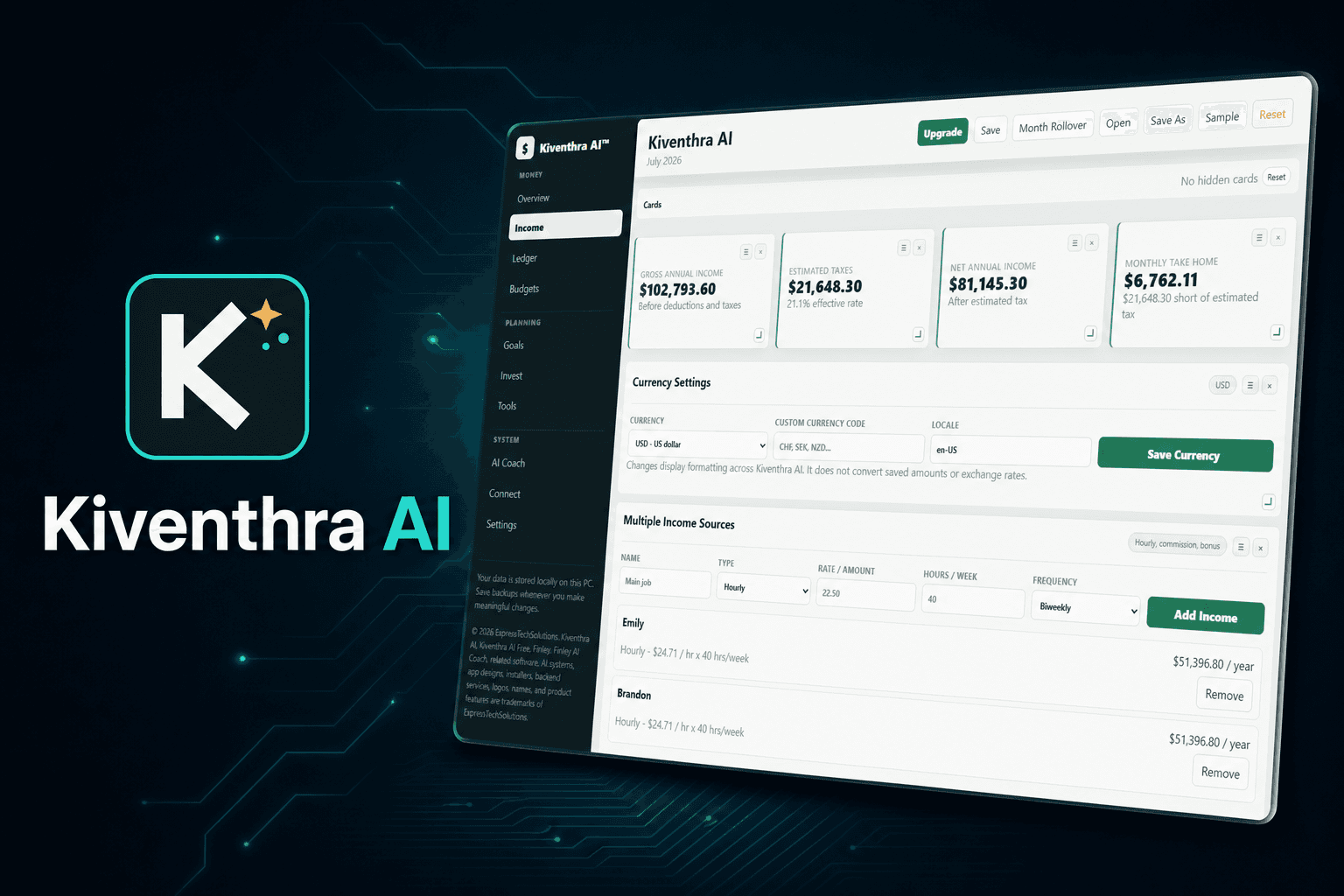
A local-first budgeting, income, planning, and AI-coaching application built to make personal finances understandable without giving up control of your data.
Progressive Web App
Open the complete Kiventhra workspace in your browser, then install it from the in-app button or your browser menu. The PWA keeps its workspace on that device, works offline after the first load, and checks only the Express Tech website for updates, accounts, and license verification.
Official Windows installer
Download the current installer directly from the Express Tech AWS service. Version 1.5.25 fixes a saved-budget startup failure that could prevent every button from responding, keeps EULA acceptance in the Windows installer, and physically excludes the duplicate EULA screen from the installed app. Existing budgets and account data remain preserved.
3A56FC56F402C0F36A52C2EC51A682F23993CA74ED45DD47AF2ED5FC99CF2E47This installer is not currently digitally signed, so Windows SmartScreen may show a warning. Confirm the file name and checksum above before running it.
Built here. Supported here.
Alongside PC repair, refurbishment, systems, and custom builds, Express Tech develops practical software products. Kiventhra AI is the first product in this catalog, with licensing and support managed by the same help desk.
Kiventhra capabilities
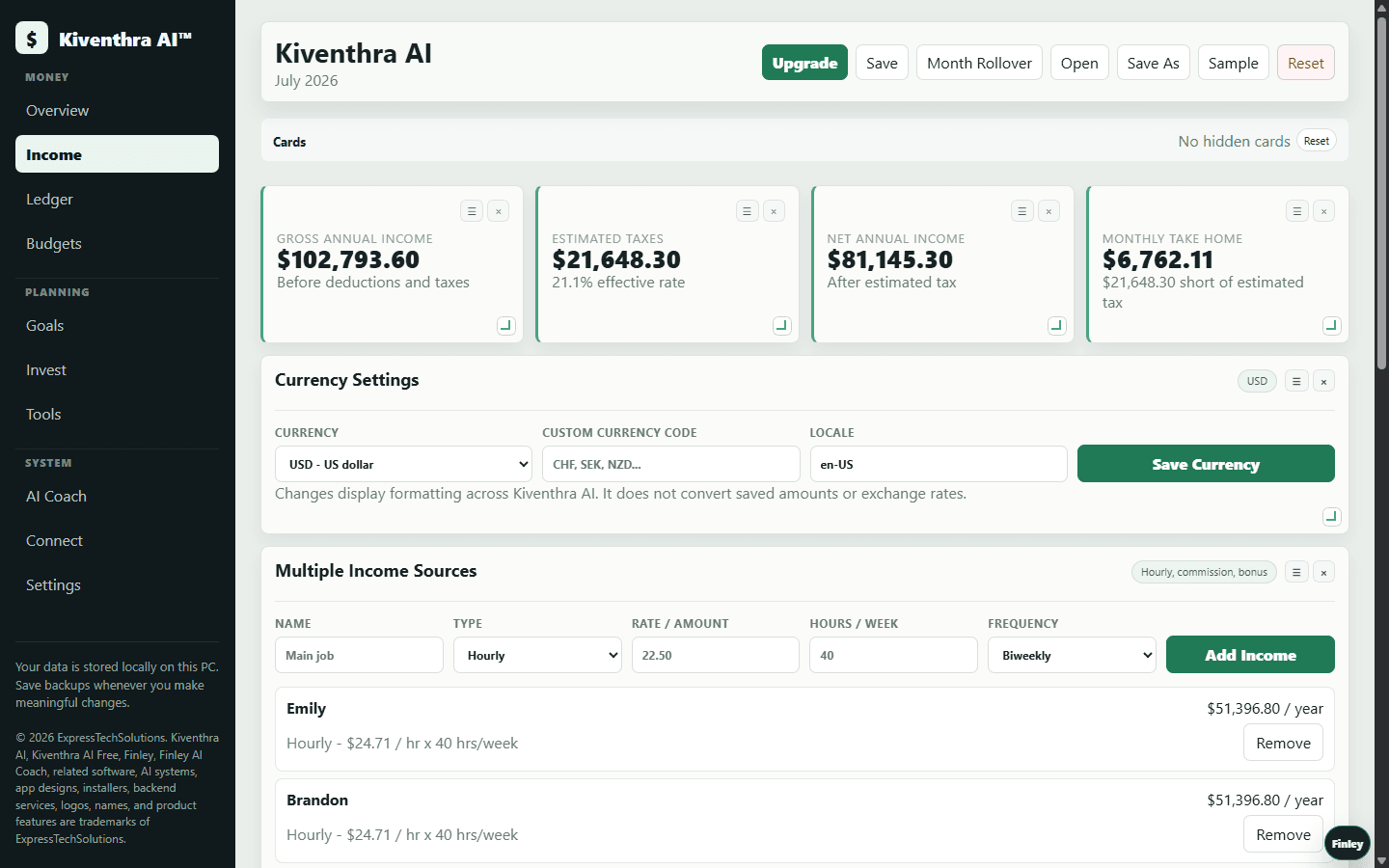
Organize income, expenses, ledgers, budgets, goals, and planning in one desktop workspace.
Your working financial data stays on your device, with portable Kiventhra backup files under your control.
Use guided tools to review budgets and decisions while keeping final financial choices in your hands.
Use the 14-day trial locally, then sign in for paid license checks and connected features.
Model hourly, salary, commission, and multiple-income scenarios with currency and locale settings.
Full access uses customer-bound license keys with activation dates, expiration controls, and revocation support.
Licensing
The one-time trial starts on first use, needs no payment card, and never bills automatically. After day 14, sign in and activate a paid license to continue. Paid licenses are fixed terms, not automatic subscriptions; Square confirms payment before the site creates and emails a key locked to that Customer File.
Complete feature access during the trial. When it ends, your local data stays saved but an active license is required to keep using the app.
Start 14-day trialUnlock Finley AI, advanced planning, forecasts, automation, and every licensed feature from 1 month through 2 years.
Every paid license is kept in the buyer's private Customer File. The pricing page never asks for a separate email; checkout uses the signed-in account and Resend delivers the key there after confirmed payment.
Data and security
Kiventhra is designed around local Windows storage and intentional account connections. Passwords are handled by the private account service as one-way hashes, sessions are revocable, and portable budget files exclude login tokens.
Kiventhra AI provides organizational and educational tools. It is not a bank, investment adviser, accountant, or substitute for professional financial, tax, or legal advice.